Install from the Shopify App Store
One click from the listing. Shopify shows you the scopes BulkGauge asks for before anything is installed, and you approve them on Shopify’s own screen — not on ours.
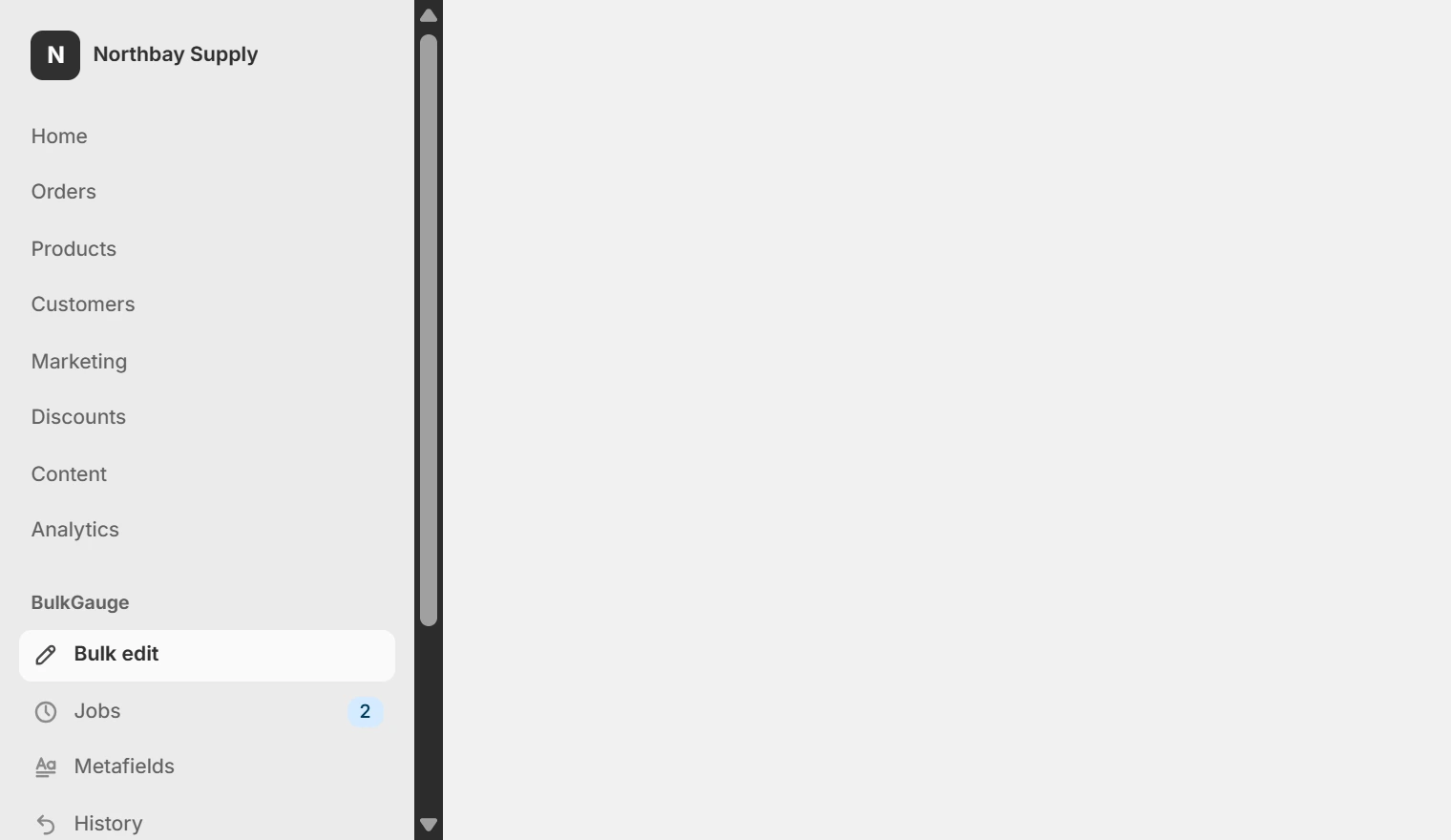
Find BulkGauge in your admin sidebar
It appears as its own group below your store’s own sections, and a Bulk edit button appears above the products list. There is no separate window and no second login.
Filter, then click Bulk edit
Whatever your filter returns is the scope. The panel states it back to you as a count before you write a rule.
Preview, then apply
Read the before-and-after table. The button carries the number: Apply to 892 variants. It is a red button because it writes.
Undo, if you need to
Jobs stay in the list with an undo control for the length of your plan's window.
Permissions, and why
| read_products / write_products | Read the catalogue to preview, write it to apply. |
|---|---|
| read_inventory / write_inventory | Stock adjustments and the stock column in previews. |
| read_locales | Format prices and dates in your store's currency and timezone. |
| Theme app extension | Compliance plan only, for the storefront blocks. Never modifies theme code. |
BulkGauge does not request order, customer or payout scopes.
Your team
Seats are per Shopify staff account, so there is nothing for a colleague to install — anyone with staff access sees BulkGauge when they open the admin, and every job is recorded against the account that ran it. Core includes 2 seats, Growth 5, and Scale and Compliance unlimited.